
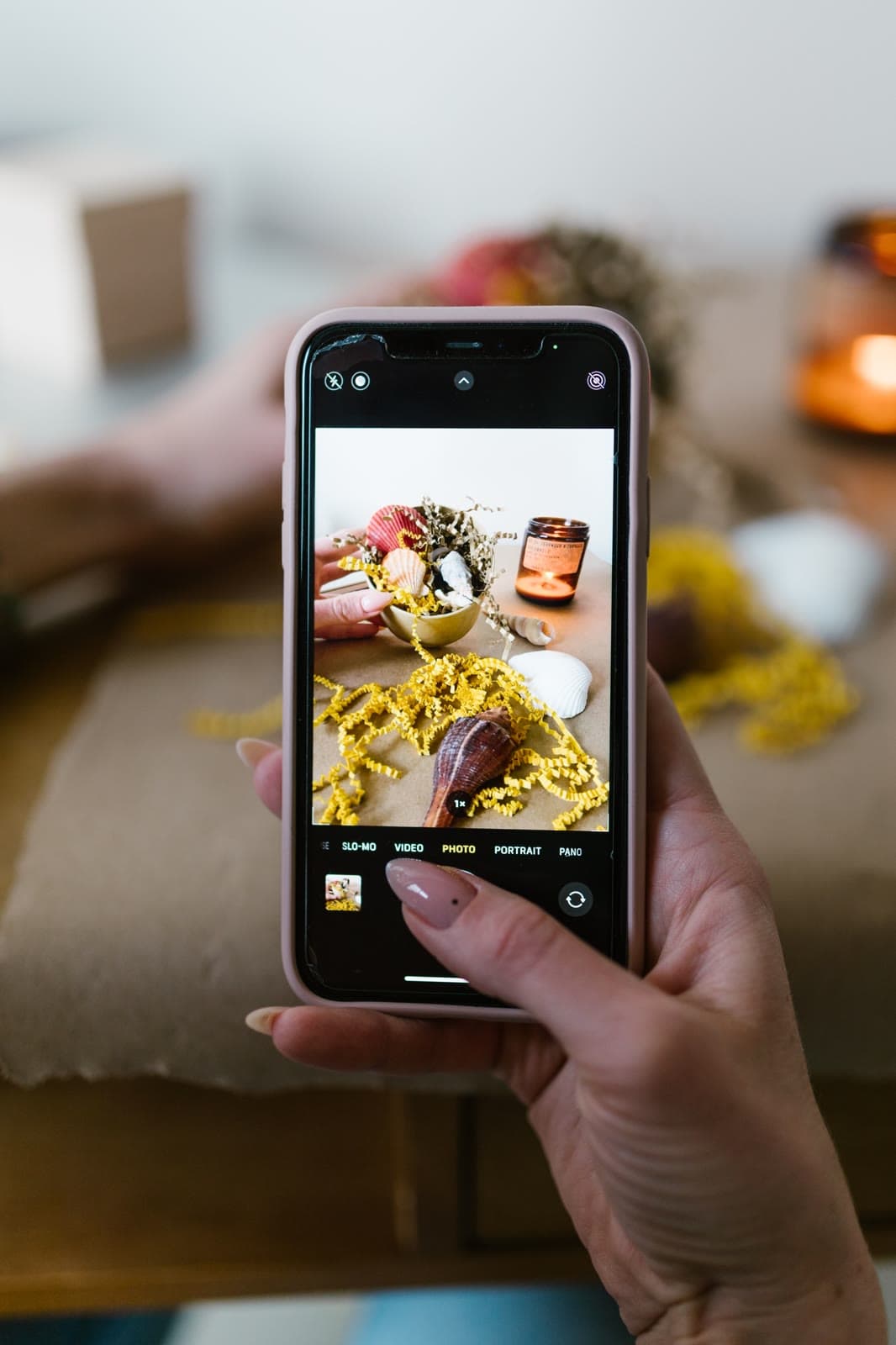
The best UGC looks like it took no effort at all. That easy, sunlit, phone in hand look is a craft, and the good news is you can learn it in an afternoon with what's already in your pocket.
What equipment do you need to film UGC?
Less than you think.
- Your phone. Any recent model films more than well enough.
- A window. Your main light source, and it's free.
- Something to hold the phone. A small tripod helps a lot. A stack of books works too.
- A quiet room. Soft furnishings make your voice sound warmer.
Nice to have later, once you're earning. A clip on microphone, a ring light for dark winter afternoons, and a plain backdrop or two.
Set up your phone first
Five small settings make a big difference.
- Clean the lens. A quick wipe with your sleeve fixes most "why is this blurry" moments.
- Use the back camera when you can. It's sharper than the selfie one.
- Film in 1080p at 30 frames per second. It looks natural and the files stay a sensible size. Use 4K only if the brief asks.
- Lock focus and exposure. Press and hold on your face or the product so the brightness doesn't jump around.
- Switch on do not disturb. Nothing ruins a perfect take like a notification sound.
Lighting, the thing that matters most
Good light makes a cheap phone look expensive. Bad light makes an expensive phone look cheap.
- Face the window. The light should fall on you, never come from behind you.
- Film in the morning or late afternoon for softer, warmer light.
- If the sun is harsh, pull a thin curtain across or step back a little.
- Turn off the ceiling lights. Mixing them with daylight gives your skin a strange colour.
- For products, place them near the window on a plain surface and turn them until the label is easy to read.
Framing your shots
- Film vertical, 9:16. Almost all UGC is watched on a phone held upright.
- Hold the camera at eye level. Slightly above is fine. From below is rarely anyone's favourite angle.
- Leave space at the top and bottom. Apps cover those areas with captions and buttons, so keep faces and products in the middle.
- Tidy the background. A made bed, a plant, a clear counter. Calm backgrounds keep the eye on the product.
- Move closer. Product details and textures look better near the lens than zoomed in.
Get clean sound
People forgive a slightly soft picture. They don't forgive bad audio.
- Record in a room with carpet, curtains or a sofa. Bathrooms and empty kitchens echo.
- Hold the phone within arm's reach of your mouth when you speak.
- Switch off fans, washing machines and the television.
- Record your voiceover separately, sitting close to the phone. Some creators do it under a blanket, and it works.
The shots to capture every time
Film more than you need. Your editing self will thank you.
- The hook. Two or three different openings. Our list of 40 UGC hooks will get you started.
- Talking to camera. Short sentences, one idea per clip.
- The product in use. Applying it, pouring it, wearing it, switching it on.
- Close ups. Texture, packaging, small details.
- The result. The after, the reaction, the finished look.
- B-roll. A few seconds of pretty filler, like the box on a table or your hand reaching for it.
Hold each shot for at least three seconds longer than feels natural. Cutting is easy. Stretching a clip that's too short is not.
Editing on your phone
You don't need a laptop. CapCut, InShot or the editor inside TikTok or Instagram all do the job.
- Put your strongest hook first.
- Cut every pause and every "um".
- Change the shot every two to four seconds to keep it moving.
- Add captions, and check them for typos.
- Keep text away from the top and bottom edges.
- Export without a watermark, in 1080p.
If the brief asks for music, check which sounds you're allowed to use. Content that will run as an ad usually needs music cleared for commercial use.
Common filming mistakes
- Filming with the window behind you, so your face goes dark.
- A busy background that pulls attention away from the product.
- The label facing the wrong way or covered by your fingers.
- Reading a script word for word. Know your points and say them your way.
- Sending files through a messaging app that squashes the quality. Use the upload link or tool the brand gives you.
Filming UGC FAQ
Do I need a ring light?
No. Daylight looks softer and more natural. A ring light is a backup for dark days, never a must.
How long should a UGC video be?
Most briefs ask for 15 to 45 seconds. Follow the brief first, and when in doubt, go shorter.
Should I film in 4K?
Only if the brand asks for it. 1080p is the standard and uploads much faster.
Do I have to show my face?
Not always. Hands only, voiceover and product videos are all popular. Check the brief, since some brands do want a face on camera.
Once you've filmed a few practice videos, pick the best ones for your portfolio. We show you how in how to build a UGC portfolio with no experience. Ready for paid briefs? Apply to Bliss Social.